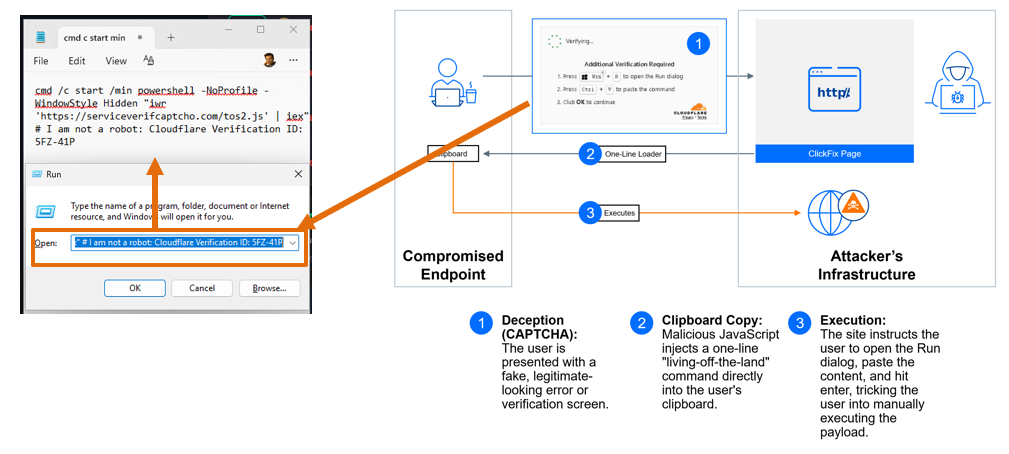
Technical deep dive into ClickFix tradecraft, a sophisticated social engineering driven initial access technique. Covers delivery methods, execution specializations, payload analysis, and detection strategies based on OrangeCon 2026 research.
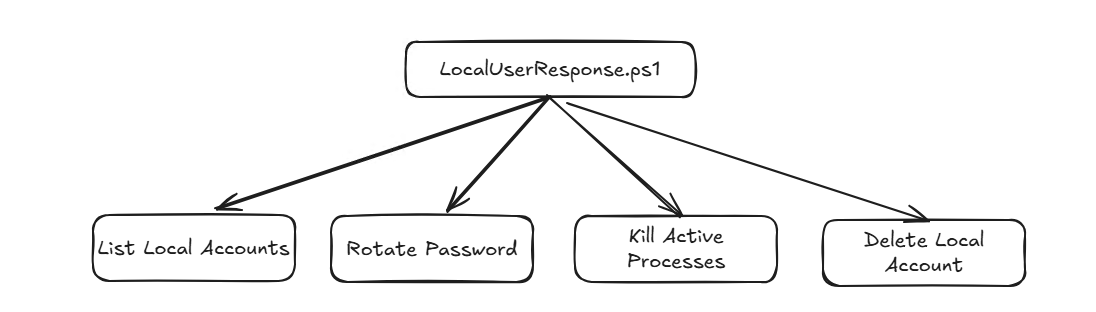
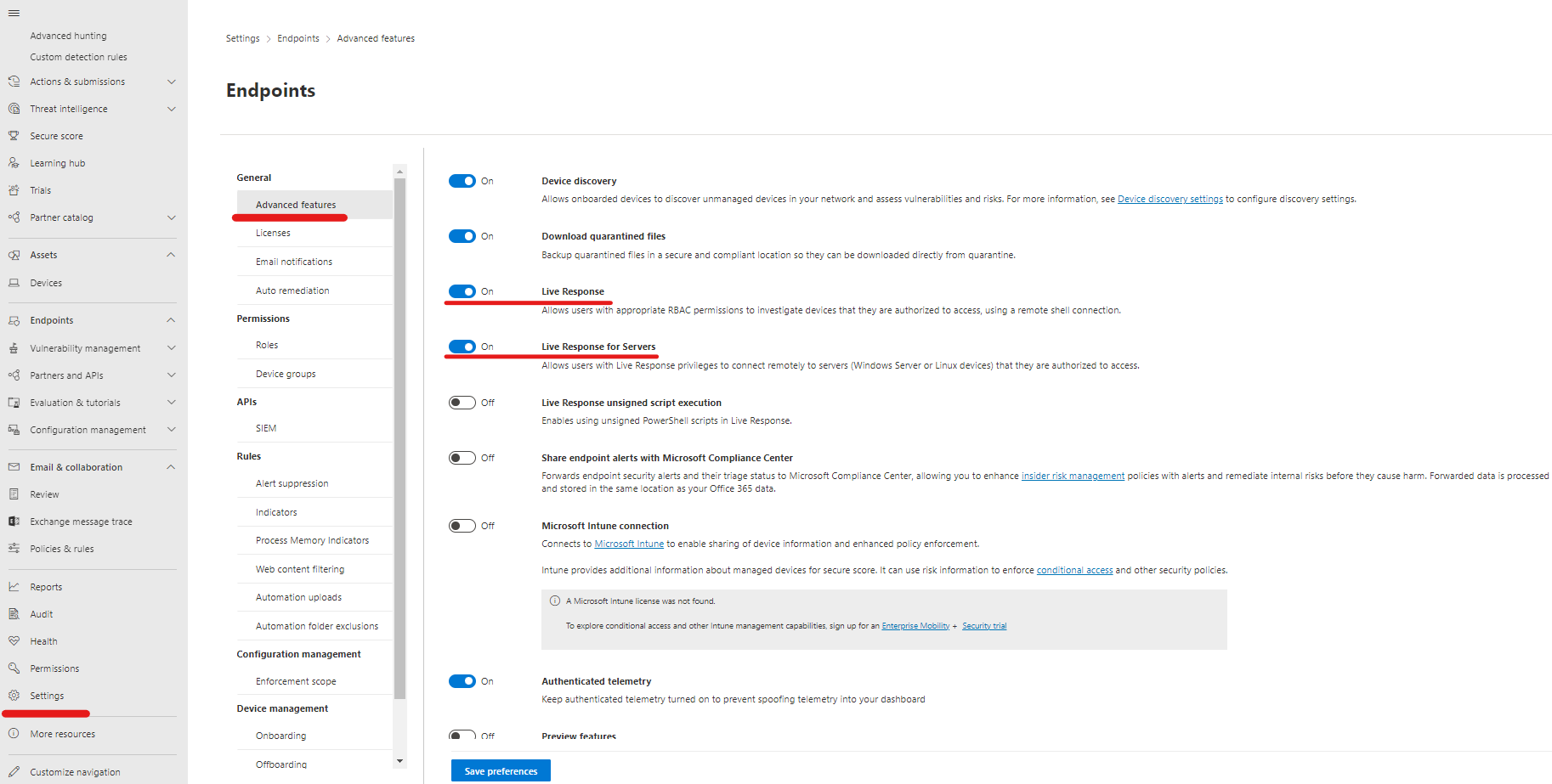
Live Response is a valuable tool that you can add to your incident response toolkit. Live Response provides a remote shell possibility on a compromised device, which allows you to run remote commands to investigate suspicious activity. This blog describes common commands and shows examples. Furthermore, the power of custom PowerShell scripts is shared with example scripts that can help you perform incident response.
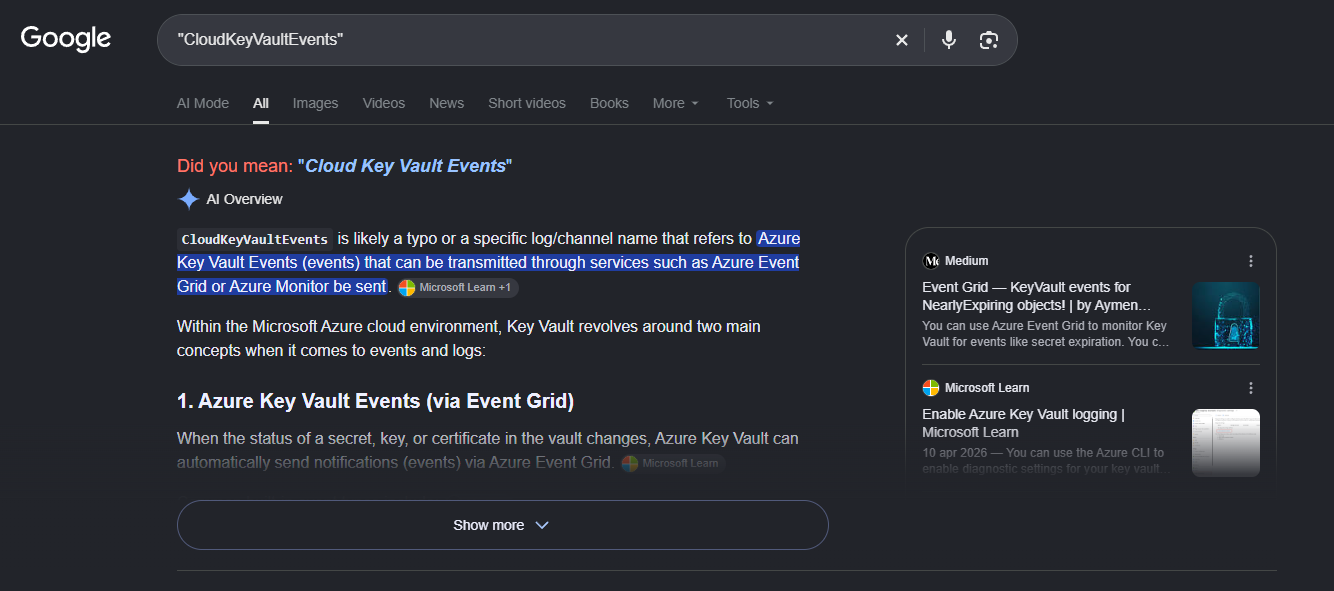
Learn how CloudKeyVaultEvents appears in Microsoft Defender Advanced Hunting, how Azure Key Vault events are ingested, which operations are logged, and how to hunt for suspicious secret, key, and certificate access with KQL.
Discover how to leverage powerful Kusto Graph functions like Lift_To_Graph for transforming tabular security logs into visual graphs. Enhance your threat hunting, incident response, and Service Principal monitoring in Azure Data Explorer and Kusto Explorer
Part 1 of the Detection Engineering Best Practices series focuses on the technical foundations of building high quality detections. While examples are written in KQL for Microsoft Sentinel and Defender XDR, the challenges and best practices discussed—such as ingestion delays, identifier usage, joins, evasion-resistant logic, and entity mapping—apply broadly to SIEM and EDR platforms including Splunk, CrowdStrike Falcon, and SentinelOne.
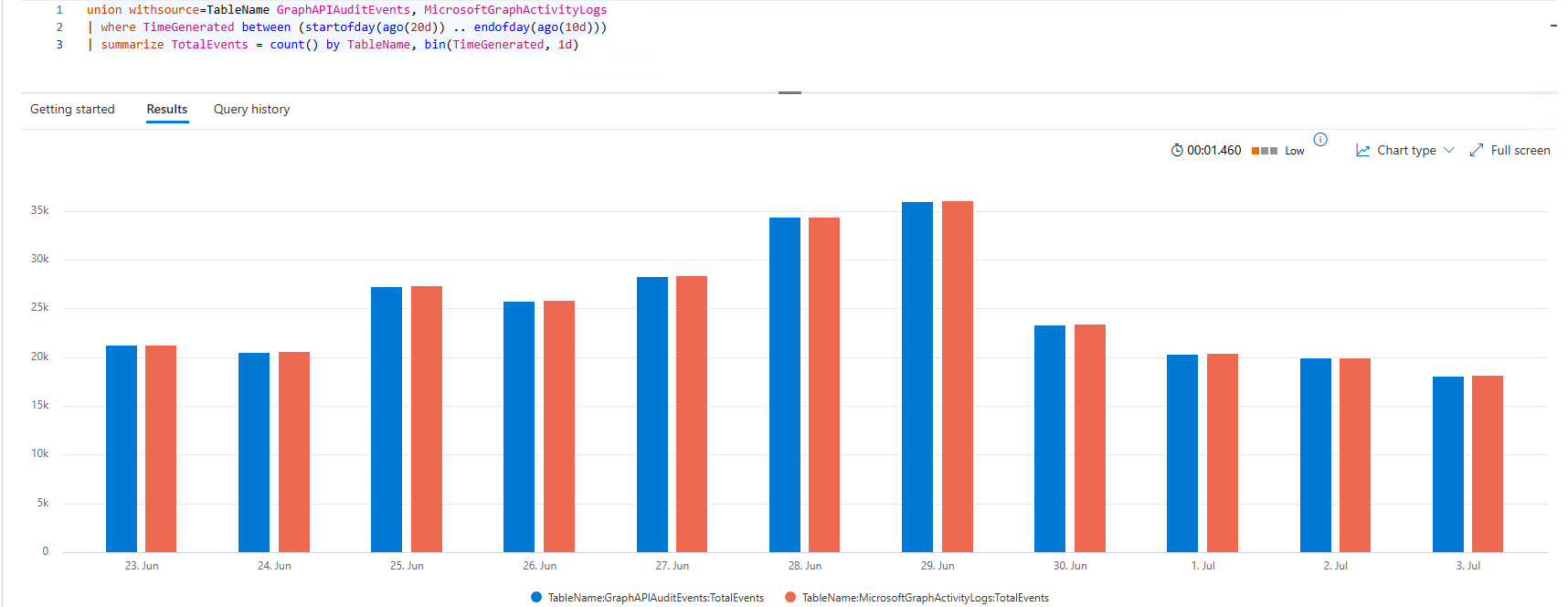
This blog introduces the new GraphApiAuditEvents table in Microsoft Defender XDR’s Advanced Hunting, a cost-free alternative to the MicrosoftGraphActivityLogs previously available in Sentinel. It compares their schemas, ingestion rates, delays, retention policies, and cost implications, highlighting key differences such as missing fields and consolidated identifiers. The post also explores practical hunting techniques, including parsing and analyzing RequestUri for endpoint insights, generating resource statistics, and detecting tools like AzureHound. Finally, it offers guidance on when and how to transition from MicrosoftGraphActivityLogs to GraphApiAuditEvents to balance visibility, cost, and detection capability.
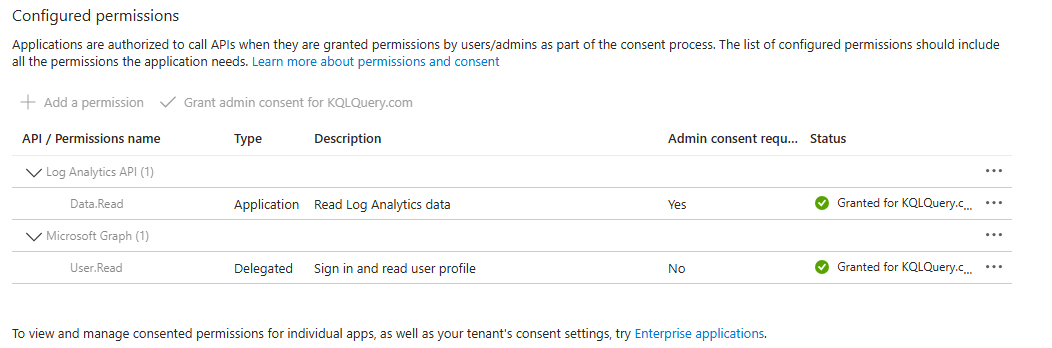
In today's blog, we're diving into the world of hunting through APIs. In the blog, the advantages, limitations, and scopes of the Graph API, Azure Monitor API, and Defender ATP API are discussed. For all of these solutions, a ready-to-use PowerShell script is shared.
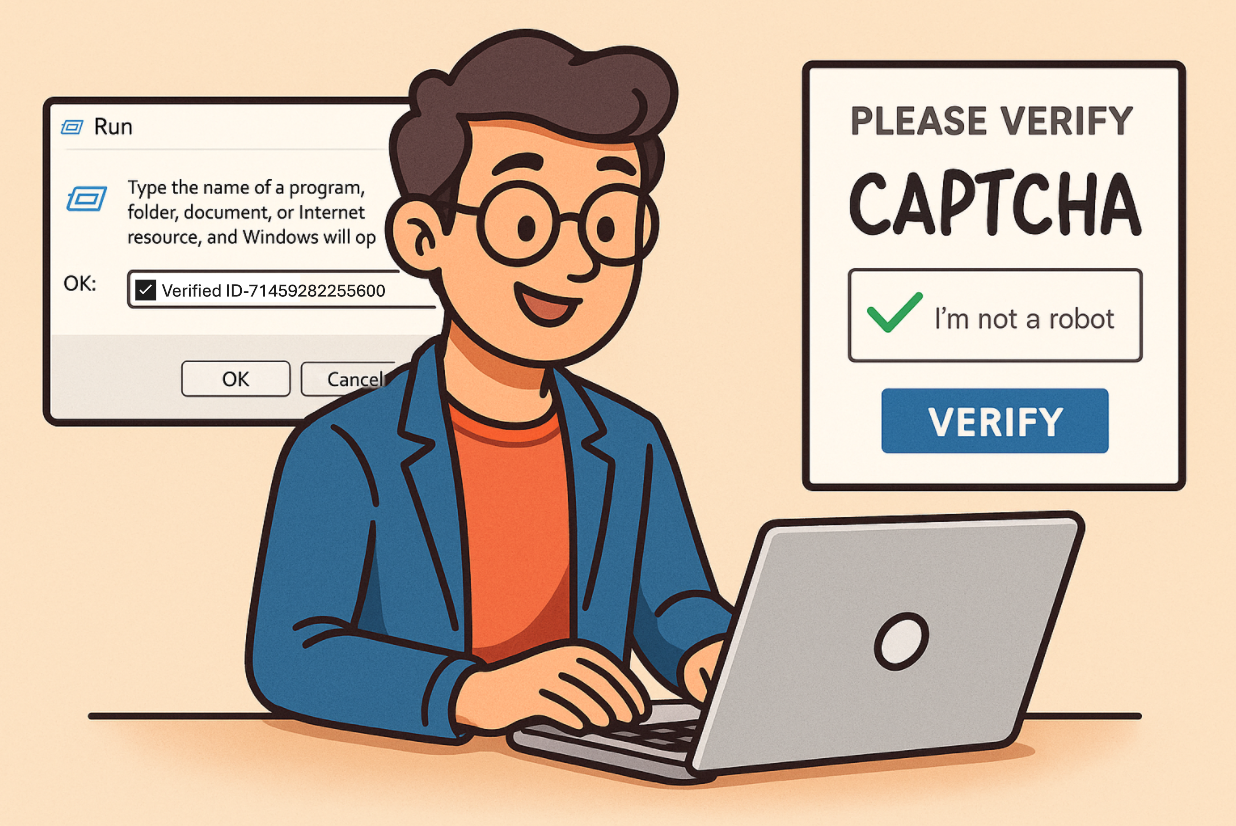
With ClickFix being one of the popular delivery methods for malware, infostealers and state-sponsored hackers it is time to share a blog on investigating these incidents using Defender For Endpoint. In ClickFix campaigns a fake (captcha) message is displayed which forces users to validate that they are human. The 'validation' executes a malicious command using Windows + Run. This blog discusses a ClickFix related incident, how to investigate the Timeline, the ClickFix Triage query and more investigation steps.